
Every action you take on-chain — sending funds, using an app, granting access — happens through a signature from your wallet. Understanding what you are signing, and what permission it grants, is the core skill of using crypto safely. Here is what really happens when you click "sign."
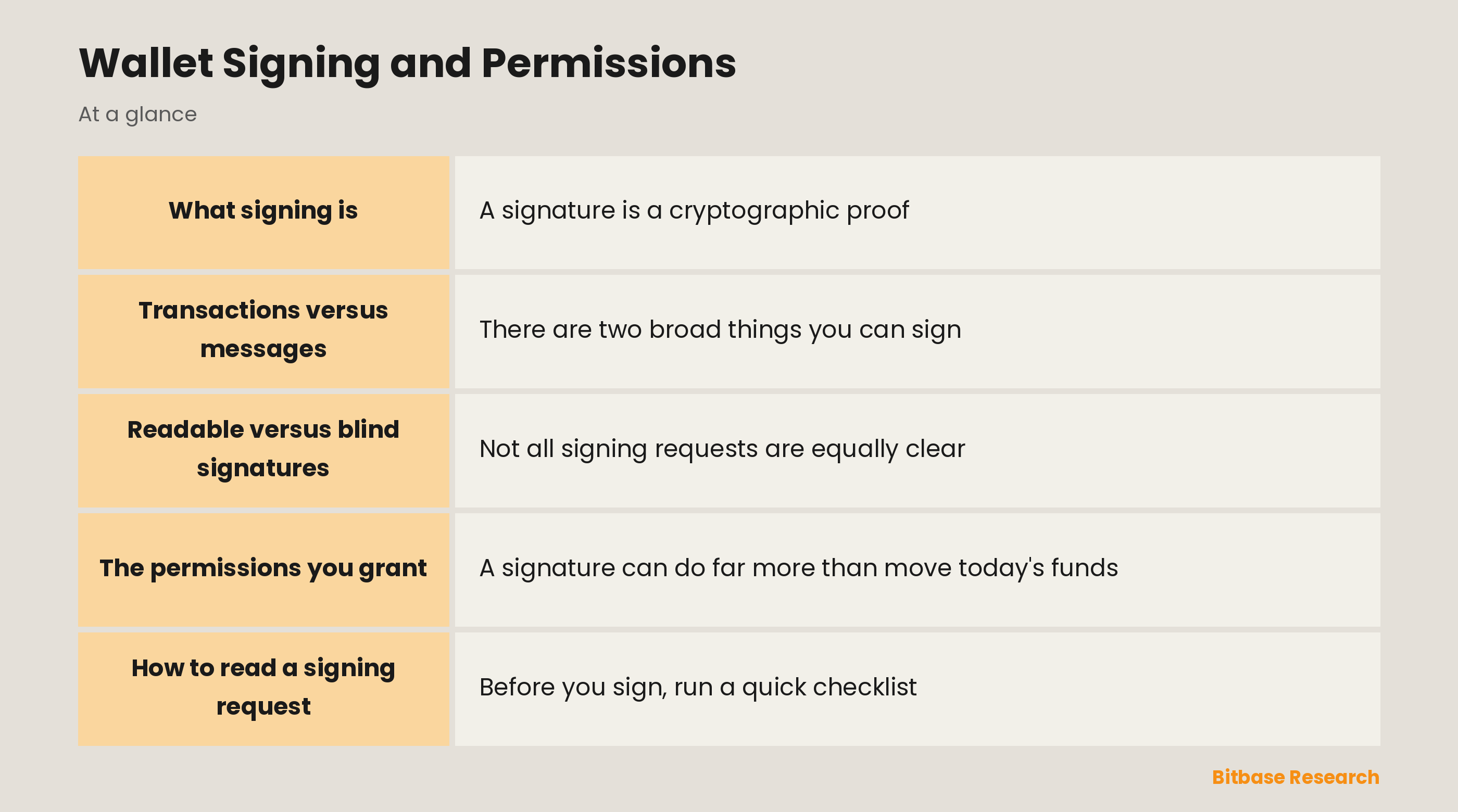
What signing is
A signature is a cryptographic proof, created with your private key, that authorizes a specific action. The network trusts it because only the holder of your key could have produced it, and it can be verified by anyone without ever revealing the key itself. Signing is how you prove "yes, I authorize this" — it is the equivalent of your handwritten signature, but mathematically unforgeable.
Transactions versus messages
There are two broad things you can sign. A transaction changes something on the blockchain — it moves funds or updates state — and it costs a gas fee to execute. A message signature is off-chain: it proves your intent or grants a permission without submitting a transaction, so it is free and often invisible on the blockchain. Logging into a dapp or approving a spender can happen through a message signature, which is powerful and easy to underestimate.
Readable versus blind signatures
Not all signing requests are equally clear. A structured "typed data" request shows you a human-readable breakdown of exactly what you are authorizing — the action, the token, the amount. A raw or blind signature shows only unreadable data, hiding what it really does. Modern wallets try to decode requests into plain language; you should always prefer a readable request and be very cautious of a blind one.
The permissions you grant
A signature can do far more than move today's funds. It can grant a standing approval that lets a contract spend your tokens repeatedly, a "permit" that authorizes spending through an off-chain message, or session permissions that let an app act on your behalf for a while. The key distinction is between a one-time action and a standing permission that keeps working until you revoke it — the second is far more powerful and far more dangerous.
How to read a signing request
Before you sign, run a quick checklist. Confirm which website or app is asking, and that you actually went there yourself. Read what action it describes, which token and amount are involved, and whether it is a single transaction or an open-ended approval. If the request is a blind signature you cannot interpret, or asks for more permission than the task needs, the safe answer is not to sign.
The bottom line
Signing is how you authorize everything in crypto, and every signature is a permission you are granting — sometimes a one-time move, sometimes a standing key to your funds. Treat the sign button with the seriousness of a legal signature: understand exactly what it does, verify the request and its source, and never sign something you do not understand. Your keys stay safe, but your signature is the door you open yourself.
Disclaimer: This article is educational content from Bitbase Academy, provided for informational purposes only. It is not investment, trading, tax, or financial advice. Written as of July 2026; rely on the latest official information.
References
[1] Ethereum.org, "Signing data and EIP-712 typed data" ethereum.org
[2] Consensys, "What you are really signing in your wallet" consensys.io